Home Assistant Dynamic DNS & SSL
There are numerous reasons to get an SSL certificate for your Home Assistant environment, particularly if you plan on allowing any external access.
Dynamic DNS is also extremely useful for external access so you can have a consistent domain name to use to access your HA environment even when your local ISP changes your IP address.
Dynamic DNS
For most people, I would recommend using the existing Duck DNS Add-On found in Settings > Add-Ons. In my case, I already have a separate Dynamic DNS setup for my home network. Rather than getting a SSL certificate for that DDNS provider I instead used an existing domain I own like this:
SSL - Lets Encrypt
Add the Lets Encrypt Add-on found in Settings > Add-Ons.
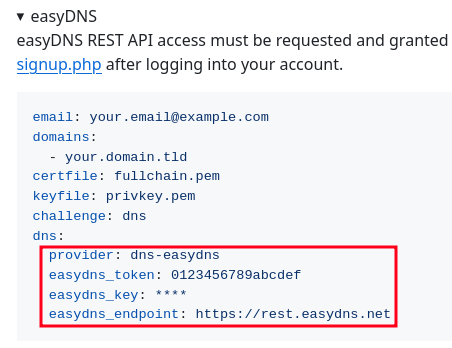
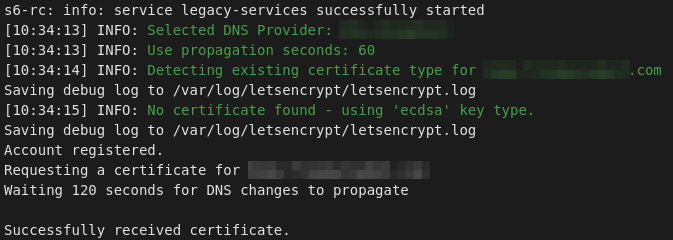
Fill out the Configuration information using the DNS challenge. You can use the http challenge if you expose your install's port to the web, but I didn't want to do that yet so DNS was a better option. You will need to read the add-ons documentation in details to get your configuration correct. Depending on your DNS provider you need to enter different settings, and I found the Documentation to be incorrect in places.
The short version is: