Install & Configure SDR receiver
This guide specifically is for the Nooelec NESDR Mini 2+ USB RTL-SDR and ADS-B Receiver Set, but should work for other similar SDR receivers.
- Plug in your SDR receiver to USB
- Run command:
lsusb | grep DVB- If there are no results, make sure the USB device is plugged into a working USB port.
- Note down the two 4-digit values separated by a colon. This is the Vendor ID and Device ID of your SDR receiver. I will use the ones shown in this screenshot for this guise, but use your own values if they differ:
-
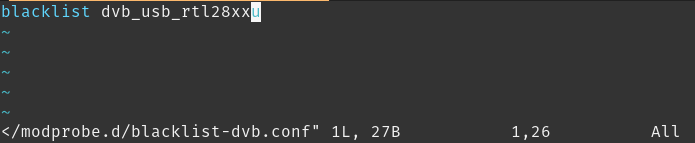
- Open/Create the following file (as root): /etc/modprobe.d/blacklist-dvb.conf
- Add the line:
blacklist dvb_usb_rtl28xxu-
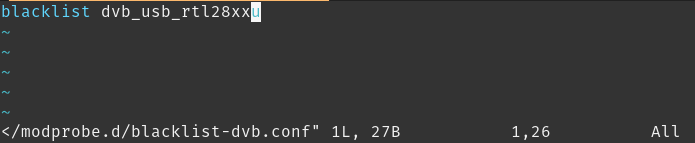
- The tildes here represent the end of the file and are not actually part of the file.
-
- Save and close the file
- This will block the default driver that is installed for this device. That driver does not work for general SDR purposes

sudo apt install rtl-sdr
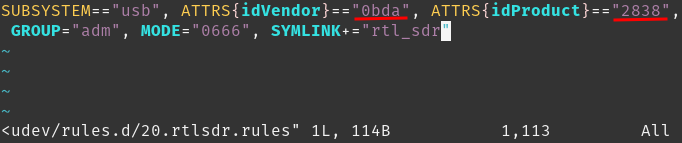
Open/Create the following file (as root): /etc/udev/rules.d/20.rtlsdr.rules
Add the line: SUBSYSTEM=="usb", ATTRS{idVendor}=="0bda", ATTRS{idProduct}=="2838", GROUP="adm", MODE="0666", SYMLINK+="rtl_sdr"
- Ensure the Vendor and Device/Product IDs match the ones from before. You can run the command "lsusb | grep DVB" again if you forgot to write them down.
-
sudo usermod -a -G adm william
sudo udevadm control --reload-rules
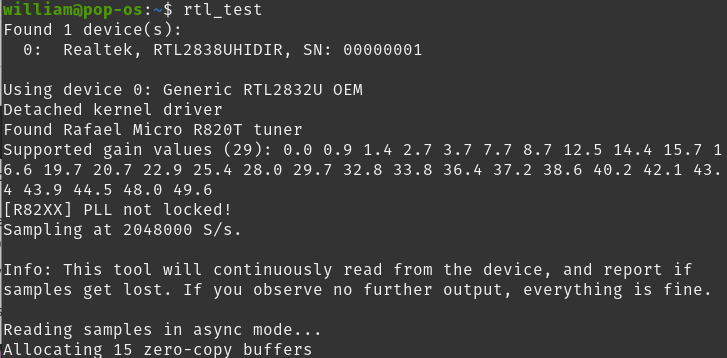
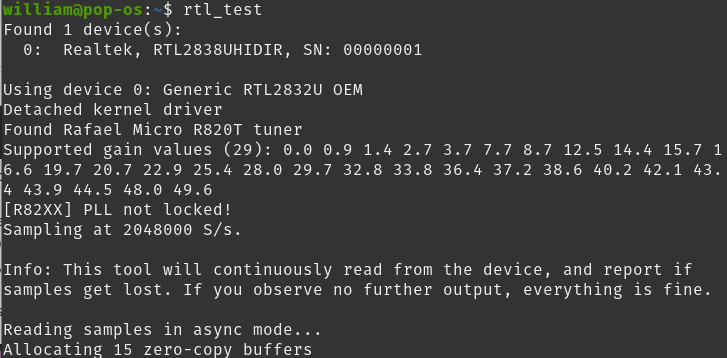
rtl_test
- It should look something like this and not list any errors. If there are errors try running as root. If it works as root that means your user doesn't have proper permissions or the udev rules file is incorrect. Try those steps again.
-
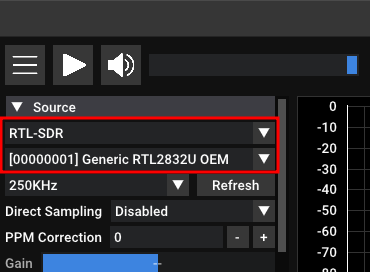
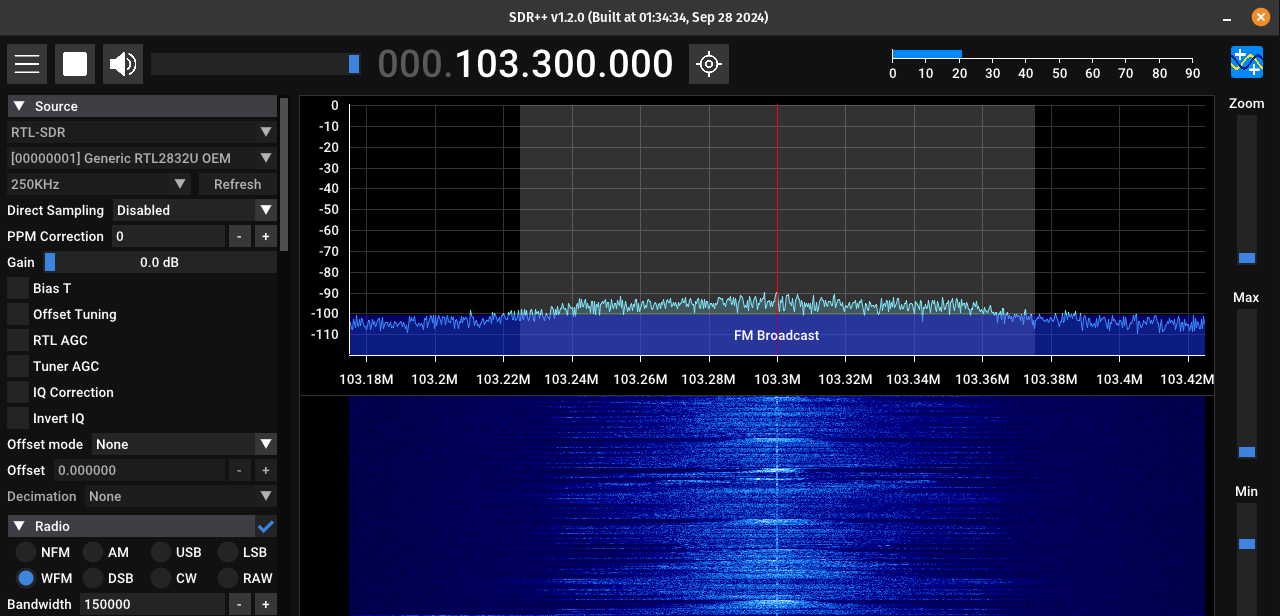
- You may need to change the Device type to RTL-SDR before your device is displayed
-